Frequently asked questions
Here are the questions buyers usually ask when they realize UliBot is more than a simple automation bot.
30-day free trial. No credit card required. Choose your plan now and only set up payment if you continue after trial.
Getting Started
UliBot is a connected trading workspace for discovery, analysis, execution, automation, monitoring, and performance review.
It helps traders move from finding a setup to building the trade, automating repeatable entries, and reviewing outcomes without jumping across disconnected tools.
- You still control strategy decisions and risk.
- UliBot helps with structure, speed, and workflow continuity.
- The goal is better decision support and cleaner execution, not blind automation.
No. UliBot is designed for beginner-to-intermediate traders who want more structure, not just for advanced quant users.
It gives newer traders guided workflows while still offering enough depth for traders who want staged execution, automation, and better monitoring.
- Beginners can start with discovery, analysis, and Manual Orders.
- Intermediate traders can move into Trade Chains and saved automations.
- The product grows with your process instead of forcing everything at once.
You can do both. UliBot supports direct Manual Orders, staged Trade Chains, and strategy-based entry automation.
That mix matters because not every idea should become an automation immediately.
- Use Manual Order when you already know the setup.
- Use Trade Chains when the plan needs multiple stages.
- Use automation when the setup is repeatable enough to systematize.
Workflow & Analysis
They solve different problems in the workflow.
Opportunities ranks current setup candidates, Top Movers helps you discover fast-moving markets, and Chart Analysis helps you think through the trade with AI before executing.
- Use Opportunities when you want ranked setup discovery.
- Use Top Movers when you want discovery by momentum.
- Use Chart Analysis when you want AI decision support before building the trade.
Liquidity Analysis is the structured AI mode that combines market structure, exchange pressure, liquidity context, indicators, and risk notes into a trade-ready summary.
It is meant to help you decide before execution, not just describe the chart after the fact.
- It can produce a trade plan with entry, stop, and take-profit ladder.
- It can create a draft order or draft chain when you want to keep moving.
- It is useful when you want structured decision support instead of a raw chart read.
Candle Chart Analysis uses uploaded charts or system-fetched charts and turns them into an AI signal report.
It is useful when you want the platform to interpret the chart context directly and then continue into a manual order or automation entry.
- Upload your own charts when you want precise visual control.
- Use fetched charts when you want a faster standardized workflow.
- Review the signal report, confidence, market snapshot, and decision trace before acting.
Pair Comparison helps you compare multiple markets side by side so you can choose the stronger idea.
It is useful when several setups look interesting and you want relative-strength context before committing.
- Compare multiple symbols, timeframes, and lookback windows.
- Review price cards, charts, AI decision panels, and market insights together.
- Use it when choosing between two or more markets, not when you already know the exact trade.
Execution & Automation
UliBot is focused on strategy-based entry automation and repeatable execution workflows.
The automation layer is meant to help you systematize setups that you already understand, not replace the work of deciding what to trade.
- Save and manage entry automations with strategy controls.
- Pause, edit, review orders, and inspect performance by strategy.
- Use automation together with discovery, analysis, and monitoring instead of treating it as an isolated feature.
Trade Chains are small staged execution plans where one step is active at a time.
They are useful when a single order is too simple for the trade idea and you want the plan to unfold in ordered steps.
- Use them for staged execution, not broad strategy logic.
- Import or draft chains from analysis when it makes sense.
- They fill the gap between one-off Manual Orders and repeatable automation.
Yes. That continuity is one of the platform's strongest selling points.
You can move from discovery into analysis, then into a draft order or draft chain, then into manual execution or automation without rebuilding the context from scratch.
- Discover -> analyze -> draft -> trade -> automate -> monitor
- Create draft orders from Liquidity Analysis
- Create draft chains when staged execution is a better fit
Accounts & Monitoring
Yes. UliBot is built around connected exchange accounts and consolidated monitoring views.
That matters because discovery, execution, and review are easier when you do not have to piece the state together account by account.
- Use consolidated or account-specific monitoring where available.
- Review positions, orders, and performance across connected accounts.
- Exchange-aware workflows keep execution context closer to the account state.
Yes. The List Positions page is split into Active Positions, Open Orders, and Recent Orders so each state is easier to review.
That structure is useful because live exposure, pending orders, and execution history answer different questions.
- Active Positions shows what is currently live.
- Open Orders shows what is waiting in the market.
- Recent Orders gives you the execution audit trail.
UliBot currently highlights support for Gate.io, BingX, and Bybit.
Binance is still shown as coming soon in current public messaging, and exchange availability should always stay aligned with the live product plan.
- The platform uses exchange-aware workflows where supported.
- Public messaging should reflect only exchanges that are actually ready or clearly marked as upcoming.
- Exchange support affects discovery, execution, and monitoring flows.
Safety & Billing
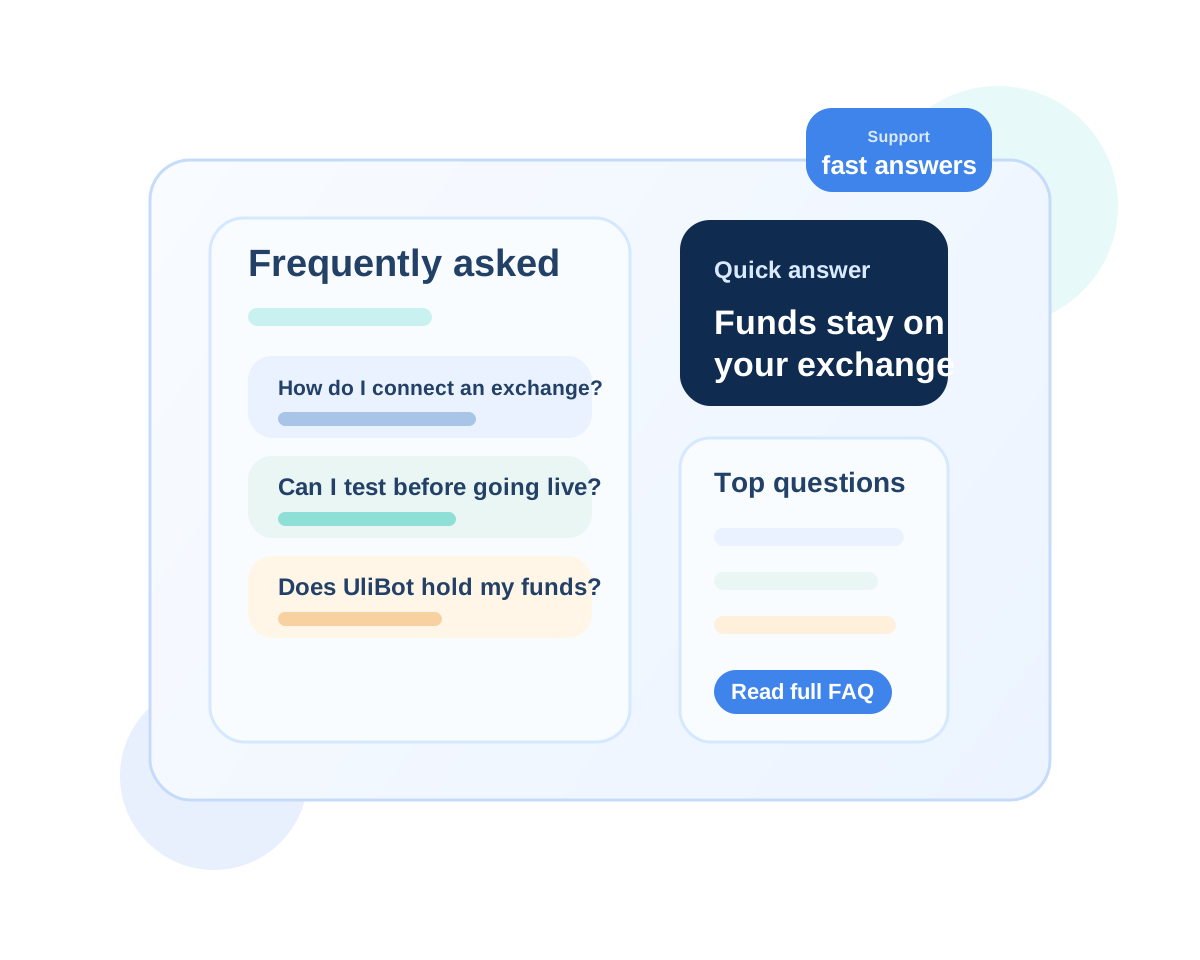
No. Your funds stay on your exchange account.
UliBot interacts with supported exchanges through API access so it can place or manage orders according to your configuration.
- The platform does not take custody of balances.
- You remain responsible for exchange permissions and account protections.
- That structure keeps control closer to the trader.
Yes. UliBot's public pricing flow emphasizes a 30-day free trial without requiring a credit card on day one.
That gives you time to understand the workflow before deciding which paid plan fits your usage.
- Pricing is displayed dynamically from Stripe.
- You can compare monthly and annual billing when you are ready.
- Choose the plan that matches how much workflow depth you want to run.
Still have questions?
Reach out and we will help you understand whether UliBot fits your trading workflow.
30-day free trial. No credit card required. Choose your plan now and only set up payment if you continue after trial.