Find what to trade
Use ranked Opportunities scans and Top Movers to narrow the market before you commit time to deeper analysis.
Find opportunities, analyze markets, create trades, automate entries, and track performance from one connected workspace.
30-day free trial. No credit card required. Choose your plan now and only set up payment if you continue after trial.
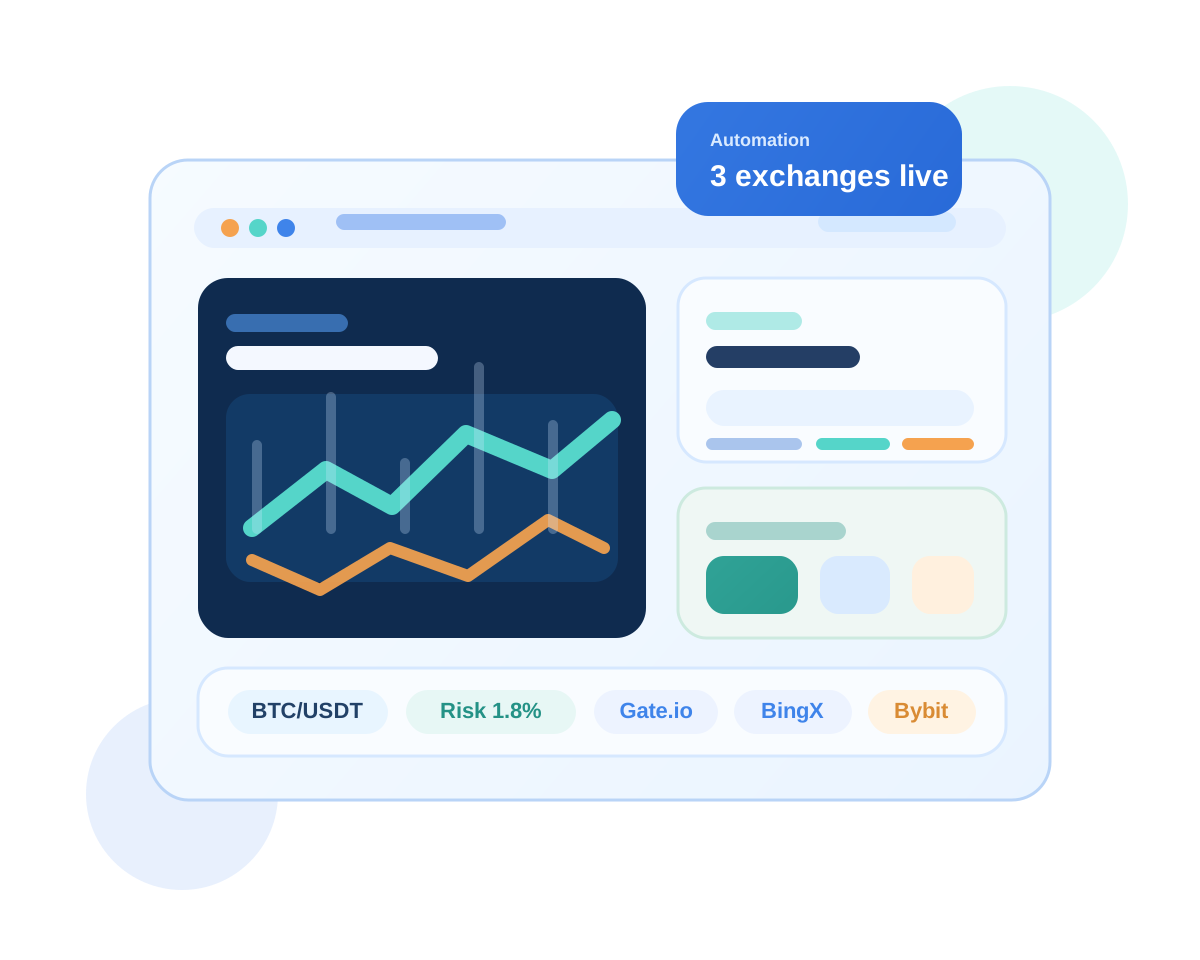
Connect the exchange you already use and move from discovery to analysis, execution, automation, and monitoring with exchange-aware workflows.
 Gate.io
 BingX
BingX
 Bybit
Bybit
 Binance
Coming soon
Binance
Coming soon
UliBot helps you move from idea to execution without juggling disconnected tools.
Use ranked Opportunities scans and Top Movers to narrow the market before you commit time to deeper analysis.
Use Liquidity Analysis, Candle Chart Analysis, and Pair Comparison to improve decision quality before building a trade.
Track Active Positions, Open Orders, Recent Orders, and performance views across connected accounts from one place.
Use the platform as a sequence instead of jumping between unrelated tools and tabs.
Start with ranked setup scans and fast-moving market lists so you know what deserves attention first.
Review liquidity, chart context, or side-by-side market strength before moving into execution.
Create a Manual Order or a staged Trade Chain with defined entry, stop loss, and TP logic.
Use direct execution when the setup is clear, or staged execution when the plan needs multiple steps.
Turn repeatable entry logic into saved automations you can monitor, pause, and improve.
Review positions, orders, fees, funding, and performance trends so the workflow keeps getting sharper.
Each module covers a different part of the workflow, so you can keep moving without rebuilding context.
Use Opportunities and Top Movers to decide what is worth analyzing next.
Use multiple analysis modes depending on whether you want liquidity context, chart reading, or side-by-side market comparison.
Build direct manual trades with structured sizing, TP or SL workflow, and live chart preview.
Use Trade Chains when one simple order is not enough for the plan.
Manage saved entry automations with strategy controls, order history, and performance review.
Watch positions, pending orders, execution history, and account performance from one workspace.
The platform is designed to guide newer traders without limiting users who want deeper execution and monitoring tools.
If you already understand the basics but need more structure, UliBot helps you discover setups, analyze them, and execute with clearer steps.
If you already have recurring setups, UliBot helps you move them into staged execution, automation, monitoring, and performance review.
One of UliBot's strongest advantages is continuity. You can move from market discovery into analysis, then into a draft order or draft chain, then into execution, automation, and monitoring without rebuilding the idea from scratch.
The value is not just automation. It is the speed and clarity of having the workflow in one place.
Short answers before you commit to a new workflow.
You can do both. UliBot supports direct Manual Orders, staged Trade Chains, and strategy-based automations.
Opportunities ranks setups, Top Movers finds momentum leaders, and Chart Analysis helps you decide with AI before execution.
Yes. List Positions splits monitoring into Active Positions, Open Orders, and Recent Orders.
Choose a plan that fits your stage, then build a process that is faster to operate and easier to review.
30-day free trial. No credit card required. Choose your plan now and only set up payment if you continue after trial.